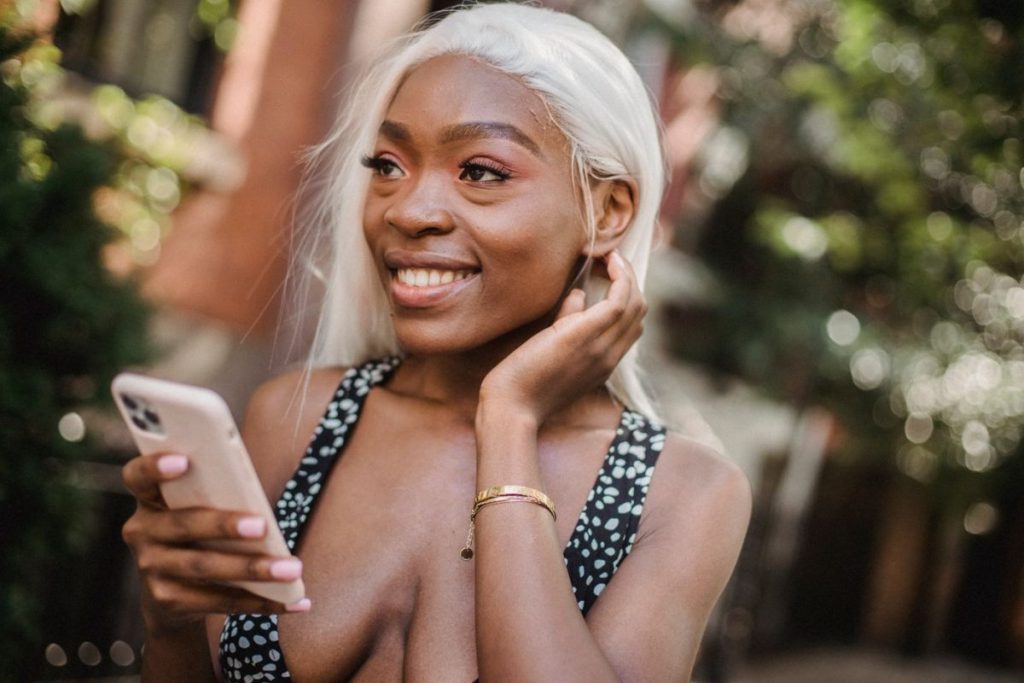
Many AI companion platforms now let your companion send you photos and short videos during the conversation: a selfie from a rainy café, a picture from the festival you’ve been roleplaying, a short clip of them waving goodnight. For a lot of people, these moments make a companion feel more vivid. Knowing how in-chat media works helps you get better results, avoid wasting credits and use images in ways that genuinely add to your conversations.
How in-chat media is generated
When you ask your companion for a photo, the platform sends a request to an image generation model. That request combines two things:
- The character’s appearance, taken from their profile: hair, eyes, build, style and any distinctive features.
- Your request: the setting, activity, outfit or mood you asked for.
The model creates a brand-new image from that combination. Videos work the same way using a video generation model, producing a short clip with movement. Because the appearance description is reused each time, your companion stays recognisable across images, and because every image is generated fresh, each one is unique.
On OASOUL’s AI companion chat, you can ask your companion for a photo or a short video during any conversation.
Why media costs more than text
Generating an image takes far more computing power than generating a text reply, and video takes even more. That’s why most platforms keep text chat free or cheap and charge for media. On OASOUL, each photo or video uses credits, and the cost is shown before you confirm, so you always know what you’re spending. You can earn free credits through daily check-ins, weekly Telegram codes and referrals on the Rewards page. For a full explanation, see AI companion credits and pricing.
Photos vs videos
| Photos | Short videos | |
|---|---|---|
| What you get | A single still image | A brief clip with movement |
| Best for | Scenes, outfits, settings, expressions | Greetings, gestures, atmosphere |
| Cost | Lower | Higher |
| Use them for | Regular moments in a story | Special moments |
Writing better requests
Vague requests get generic images. Specific ones get images that feel connected to your conversation. Include some of these:
- Setting: “at the night market”, “in your kitchen”, “on the castle walls”.
- Activity: “cooking breakfast”, “reading on the sofa”, “holding a sparkler”.
- Expression: “laughing”, “sleepy”, “pretending to be annoyed”.
- Outfit: “in your winter coat”, “in your work uniform”.
- Lighting or time: “at sunset”, “under neon lights”, “early morning”.
| Generic | Specific |
|---|---|
| Send me a selfie. | Send me a selfie from the café you told me about, with the rain on the window behind you. |
| Show me what you’re doing. | Show me you at your desk, surrounded by coffee cups, pretending you’re not stressed about the deadline. |
Style affects the result
Realistic companions produce photo-like images; anime companions produce illustrations. Each style has strengths: realistic images feel like texts from a partner, while anime images handle fantasy and dramatic scenes beautifully. Our guide to anime vs realistic AI images in chat compares them in detail.
Consistency and small variations
Your companion should look like the same person in every image, but small variations are normal, like slightly different hair styling, lighting or angle, especially across very different scenes. If you created the companion yourself, describing distinctive features clearly in the profile helps consistency. Mentioning a signature feature in your request (“with your silver ring”, “with your red scarf”) can help too.
Using media well
- Mark moments. Ask for a photo at the end of a memorable scene or a special day.
- Set the scene. Request an image when a story moves to a new place.
- Keep it occasional. Constant requests interrupt the conversation and use up credits quickly.
- Let it follow the story. Media works best when it illustrates the conversation rather than replacing it.
Privacy
Images generated in your chats are part of your private conversation. On OASOUL, chats and creations are private by default, and you can delete your account and its data in Settings. As with text, avoid including identifying personal details in requests. For more, see the AI companion privacy checklist.
Content rules
Media requests follow the platform’s rules, just like text. On OASOUL, that includes the Terms of Service, the Acceptable Use Policy and the Responsible AI Guidelines, and every character is a fictional adult aged 18 or over. Requests that break the rules won’t be fulfilled.
Troubleshooting
| Problem | Try |
|---|---|
| Image doesn’t match the story | Describe the current scene in your request |
| Companion looks a bit different | Mention their signature features |
| Image feels generic | Add setting, activity and expression |
| Running out of credits | Collect daily check-ins; save media for key moments |
A budget-friendly approach
If you enjoy media but don’t want to spend much, try a simple rule: one image per meaningful moment. In a romance story, that might be the first date, the festival night and the confession. In daily chats, maybe one photo at the end of the week to mark something good that happened. Combined with free daily check-in credits, this keeps media special and spending low. If you find yourself wanting more, a one-time credit pack is a low-commitment next step before considering a plan.
Request ideas for different moods
- Cozy: “A photo of you wrapped in a blanket with hot chocolate while it snows outside.”
- Playful: “Show me your face when I said pineapple belongs on pizza.”
- Romantic: “A picture of us at the rooftop restaurant, city lights behind you.”
- Adventurous: “You at the top of the mountain trail we hiked today, windswept and proud.”
- Everyday: “Your desk at the end of the workday, chaos and all.”
Requests tied to a mood or a moment from your conversation almost always produce more satisfying images than a plain “send a pic”.
Find a companion who fits the way you like to talk. Signing up is free, and text chat starts right away in your browser.
Frequently asked questions
Can my AI companion send photos?
Yes. On OASOUL you can ask your companion for a photo or short video during the chat.
How much does a photo cost?
The credit cost is shown before you confirm each request, so you can decide first.
Can I get free credits for media?
Yes, through daily check-ins, weekly Telegram codes and referrals on the Rewards page.
Are my companion’s photos private?
Yes. Chats and their media are private by default on OASOUL.
Why does my companion look slightly different in each photo?
Each image is generated fresh from the appearance description. Small variations are normal.